Payments and POS for every business
Take cards anywhere with the FasTab PinPad, no POS needed. Run your restaurant end to end on FasTab POS. Real people answer support, 24/7.
Running on FasTab





First restaurant live in November 2022. First national chain, IHOP, a year later.
Find the setup for your business
Run a restaurant, or just need to take cards? Start with the product that fits, and add more when you’re ready.


Pick what you need
Use one product or all of them. Everything shares one back office and one support team.
- FasTab POS Orders, tables, splits and payments.
- FasTab PinPad A card terminal for any business.
- Kitchen display Tickets routed to the right station.
- Delivery integrations DoorDash, Uber Eats and SkipTheDishes in one queue.
- Catering Big orders booked up to a week ahead.
- Gift cards and e-gift cards Sold and redeemed on the POS and the PinPad.
- QR pay at the table An add-on for FasTab POS.
FasTab POS keeps up with service
Built for the rhythm of a full dining room and the speed of a counter line, with payments built in.
Take orders your way
Dine-in on your floor plan, counter service with pickup numbers, and take-out with a pickup time. Nested modifiers and one-tap NO, EXTRA and RUSH ring it in exactly as the guest asked.
Send it to the kitchen
Each item goes to the right station on the kitchen display or printer. Cooks bump tickets as they finish and recall them if they need to.
Split and settle
Split by seat, by item or evenly, or share one item across guests. Then pay by card on the PinPad, cash or a gift card.
Know every shift
Live sales, product mix, voids, discounts, cashouts and timesheets, with a dashboard that combines all your locations.
One menu for every location
Build the menu once for every location. Hide or 86 items location by location, and schedule happy-hour prices.

- Guest 1
- Smash Burger$19.00Medium, Fries
- Draft Lager (20 oz)$8.50
- Guest 2
- Pickerel & Chips$24.00Tartar, Coleslaw
- Caesar$9.50Spicy
- Guest 3
- Classic Poutine$16.50Add Bacon
- Fountain Pop$3.25 ×2Coke
Subtotal $84.00 · Tax $10.08
Try it: tap the menu to ring in an order, then send it and pay. Sample menu.

- DoorDashNeeds Action#4F7C2$44.52Sam K. · 3 items · Delivery28m left
- Uber EatsPreparing#9C3D1$34.16Priya N. · 2 items · Pickup12m left
- SkipTheDishesReady#K7M2Q$47.043 items · DeliveryDriver en route
Delivery orders, right in your POS
Connect Stream, and orders from DoorDash, Uber Eats and SkipTheDishes land in FasTab POS and go to the kitchen like any other ticket. No extra tablets on the counter, nothing to re-key.
- One menu to maintainMenu, modifier and price edits in FasTab go to Stream automatically, and items you hide at a location switch off for delivery there.
- Badged in the kitchenEvery order shows the app and its order number on the kitchen display and the printed ticket.
- You set the paceAuto-accept or review each order, set your prep time, and pause new orders when the kitchen is slammed. Mark it ready and the app knows.
Catering orders, booked ahead
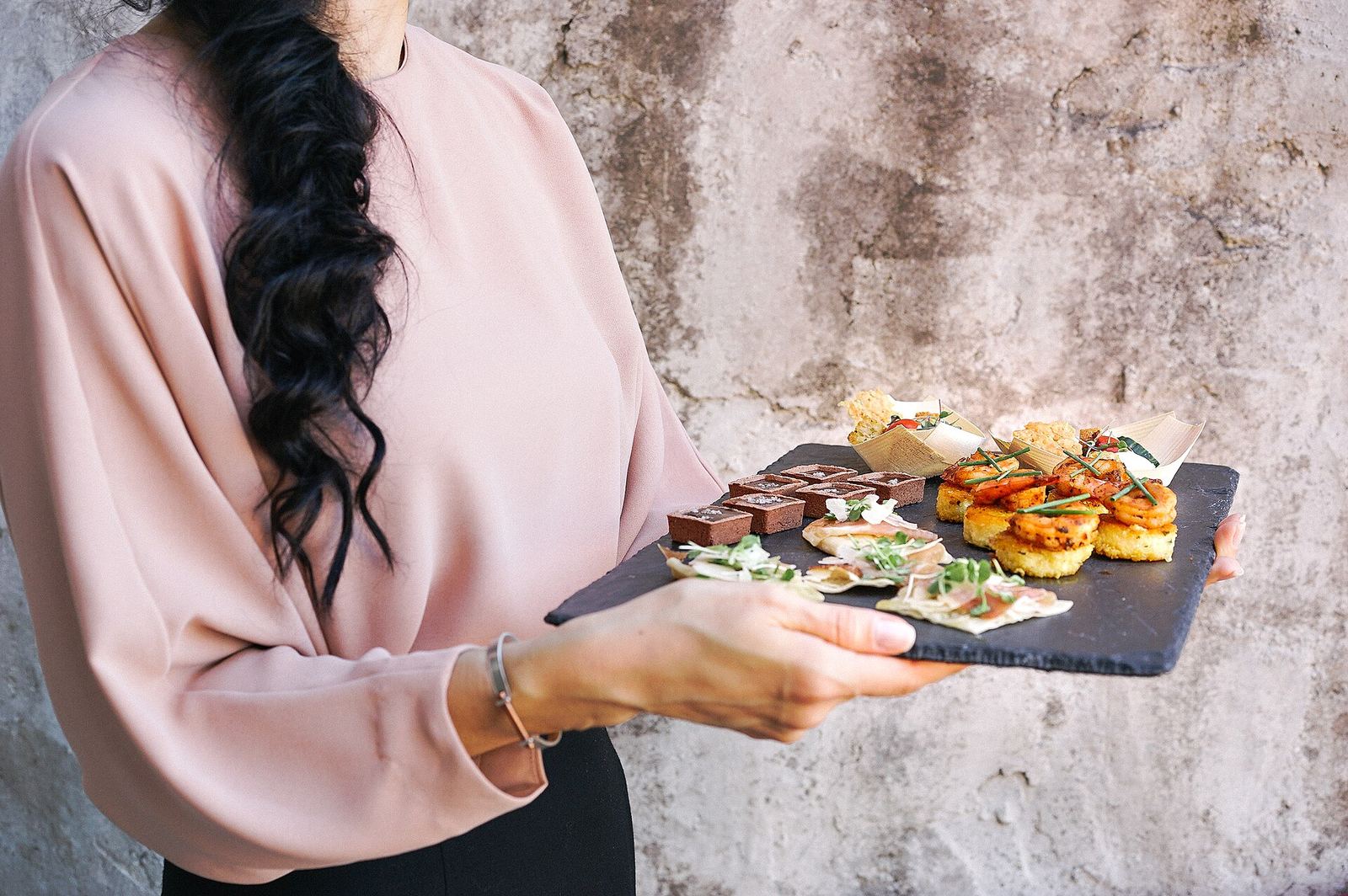
Take the big order up to a week early, with the guest’s name, phone number and pickup time on it. It waits off the kitchen screen until you fire it.
- Book it up to a week outRing in the order now and set the day and time it is picked up.
- Fire it when prep startsThe kitchen display and the printed ticket carry a Pickup badge and the pickup time.
- Paid now or at pickupTake payment when the order is placed or when it is collected, and track it on the pickup board.

Add pay at the table
Guests scan the code on the table, see their bill, tip and pay from their phone. No app to download, and the payment lands on the check in FasTab POS with no re-keying.
- Split by seatEach guest pays for their own seat, or one pays the lot.
- Apple Pay and Google PayGuests pay the way they already pay for everything else.
- Tables turn fasterNo waiting for the server to bring the machine.
An add-on for FasTab POS
FasTab PinPad for every business
A standalone, certified card terminal for retail, salons, trades, cafés and everyone else who takes a card. No POS required.

- Every way to payTap, insert, swipe and phone. Visa, Mastercard, Amex, Discover, Apple Pay and Google Pay.
- Quick Access modeKey in an amount and charge it, for fast counter sales with no sign-in.
- A PIN for each personEach staff member signs in with their own PIN and sees only what their job allows.
- Works on its ownNo POS needed. Add gift cards and track every payout in the FasTab back office.
Retail · Salons and spas · Clinics and wellness · Trades · Mobile services · Markets · Professional offices · Cafés
Gift cards and e-gift cards
Sell gift cards and e-gift cards with your name on them, with or without FasTab POS. Guests redeem them at the POS or on the PinPad.
- Sell and reload anywhereActivate a card or top it up on the POS, the PinPad or in the back office.
- E-gift cardsA digital card a guest can send to a friend, ready to use on their next visit.
- Pay part, or all of itA gift card can cover the whole bill or part of it, with another tender for the rest.
- Loyalty with FasTab POSGuests earn points every visit and redeem rewards at the POS or the PinPad.
Up and running with FasTab
Here’s how most businesses get going on FasTab. We’ll shape it around your setup.
- Talk it throughTell us how you take orders and payments today, and we’ll suggest a setup that fits.
- Get set upAdd your menu or catalogue, taxes and tips, and any printers or kitchen screens. Ask us about setup help.
- Learn the ropesGet your managers and staff comfortable before your first day. Ask us about training options.
- Go liveStart taking orders and payments. Our support team is there 24/7 if you need a hand.
Real people answer, day and night
One team for the PinPad, the POS, delivery and gift cards. Real people, not chatbots, tickets or phone trees.
Questions about FasTab
Something else on your mind? Email sales@fastabpayments.com and a person will answer.
I don’t run a restaurant. Is FasTab for me?
Yes. The FasTab PinPad is a standalone card terminal for shops, salons, clinics, trades, markets and any business that takes cards. You don’t need FasTab POS, and gift cards can be added on their own.
Do I need a POS to use the FasTab PinPad?
No. The FasTab PinPad is a standalone, certified card terminal. Turn it on and take payments, with no POS required.
Which delivery apps work with FasTab POS?
DoorDash, Uber Eats and SkipTheDishes, through Stream. Their orders come into FasTab POS and the kitchen like any other ticket, so there is no tablet to watch and nothing to re-key.
Can I sell gift cards and e-gift cards with FasTab?
Yes. Sell, reload and redeem gift cards and e-gift cards on the POS and the PinPad, including part of a bill. Gift cards also work with a PinPad on its own, without the POS.
Can FasTab POS take catering orders?
Yes, as scheduled pickup orders. Take the order up to a week ahead with the guest’s name, phone number and pickup time. It stays off the kitchen screen until you fire it, then shows with a Pickup badge and its pickup time.
Does QR pay at the table work with my current POS?
QR pay at the table is an add-on for FasTab POS and works with FasTab POS only. Guests scan the code on the table, see their bill, split by seat, tip and pay in the browser.
Which payments does FasTab accept?
FasTab takes tap, insert, swipe and phone payments, including Visa, Mastercard, American Express, Discover, Apple Pay and Google Pay, plus other major cards and digital wallets.
When can I reach FasTab support?
Any time, 24/7. You reach real people, not chatbots, tickets or phone trees.
How quickly will FasTab sales get back to me?
Within one business day. Use Contact sales on this page or email sales@fastabpayments.com.
Switch to FasTab
Tell us about your business, whatever you sell. We’ll come back within one business day with a setup that fits.